




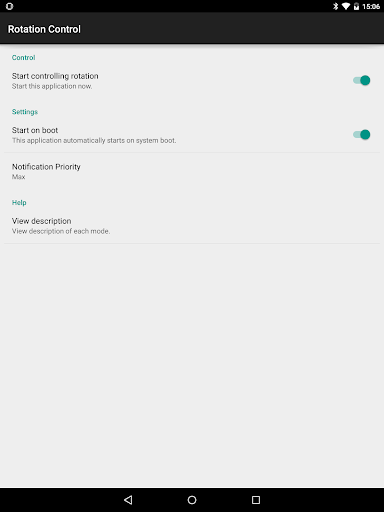

Description & Overview
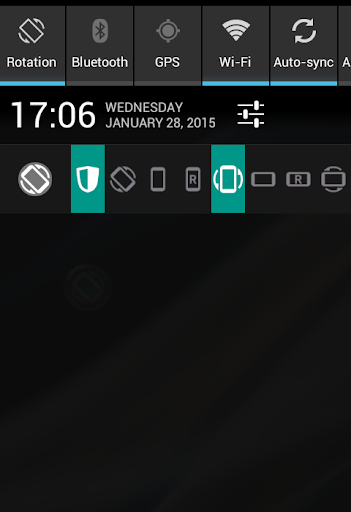
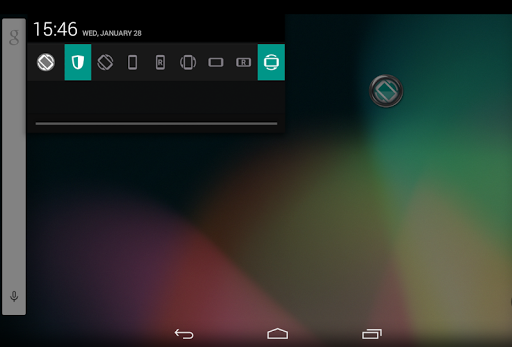
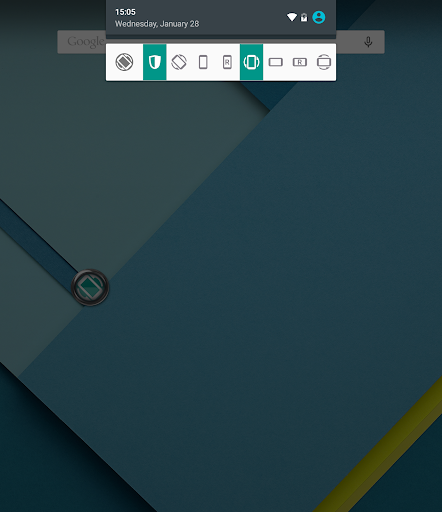
You can control screen orientation from notification area easily.
You also can prevent the other application from changing screen orientation.
The following rotation modes are available.
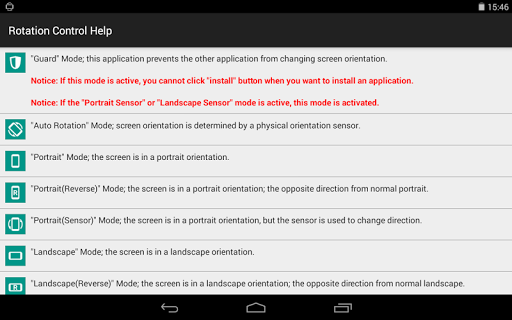
- Guard: this application prevents the other application from changing screen orientation.
- Auto Rotation: screen orientation is determined by a physical orientation sensor.
- Portrait: the screen is in a portrait orientation.
- Portrait (Reverse): the screen is in a portrait orientation; the opposite direction from normal portrait.
- Portrait (Sensor): the screen is in a portrait orientation, but the sensor is used to change direction.
- Landscape: the screen is in a landscape orientation.
- Landscape (Reverse): the screen is in a landscape orientation; the opposite direction from normal landscape.
- Landscape (Sensor): the screen is in a landscape orientation, but the sensor is used to change direction.
* Depending on the device, you may not be able to use several modes.
* If \Guard\ mode is active, you cannot click \install\ button when you want to install an application. When you want to install an application, you should inactivate \Guard\ mode or this application.