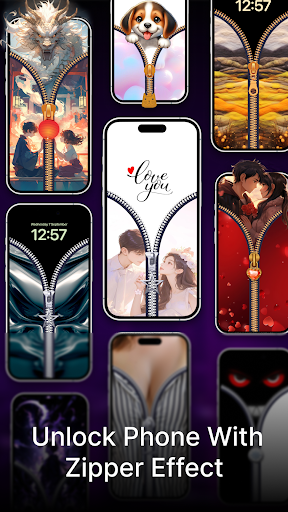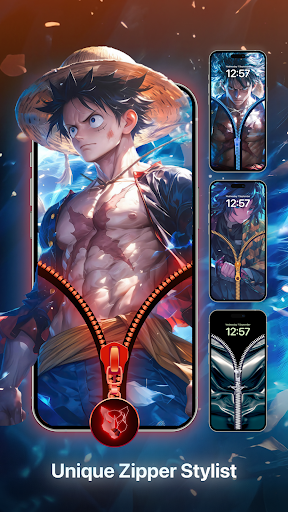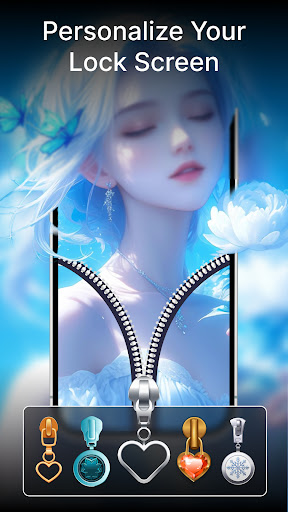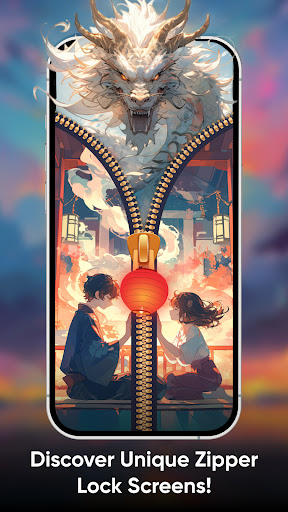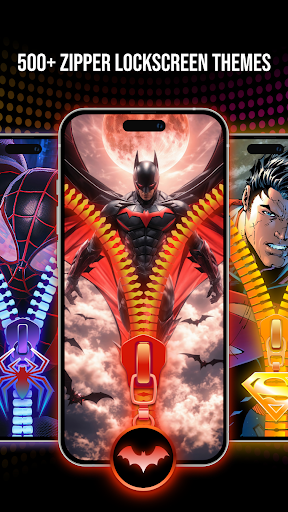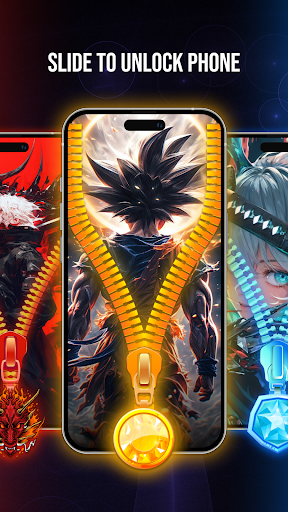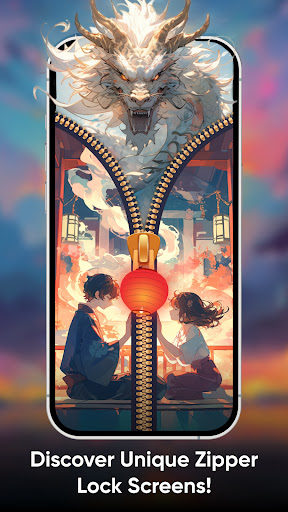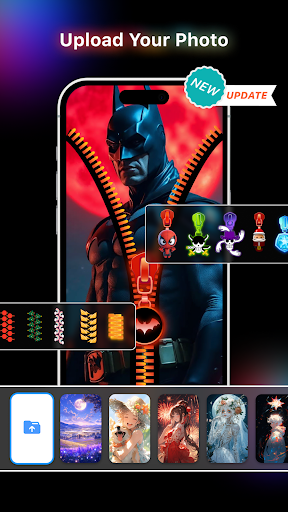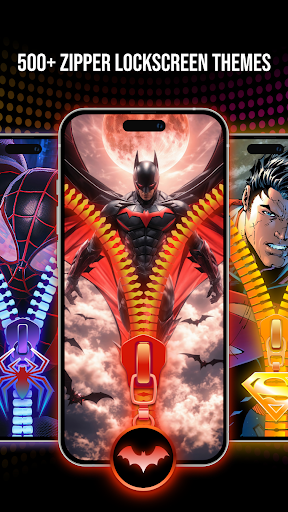
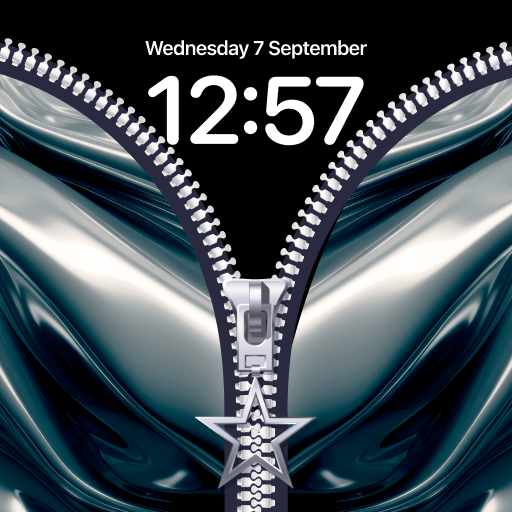
Customizing the lock screen made easy with the ZipSlide: Lock Screen Screen app. ZipSlide: Lock Screen Screen adds fun and stylish features to the phone lock screen. Slide to unlock the phone with a cool zipper effect. ZipSlide: Lock Screen changes how you lock the screen and unlock your phone. Free to use and 100% customizable, you can customize the zipper lock screen to your preference, zipper styles, row designs, and zipper wallpapers can be changed with one click only. ZipSlide: Lock Screen Key features: Various zipper templates collection Stunning visualize zipper templates Override default lock screen method of your phone Add extra layer to protect your phone screen from accidental unlocking Why you should use Zipper Lock Screen: Refresh your phone lock screen Tired of boring standard lock screen App shortcut support: quickly open camera or flashlight from ZipSlide: Lock Screen without unlock the phone (upcoming features) Lock screen wallpaper collection update monthly In next updates: Custom app shortcut to meet your demand, change app or quick action you can do with 2 shortcut buttons. Customize zipper styles: - Select kind of zipper you want to use: cute cat zipper, shining silver, gold zipper, etc - From small to big size of zipper row, you can choose whatever you want - Wallpaper collection: 500+ beautiful graphic designs, update monthly AI Generative wallpaper: put in detail prompt and let AI turn your ideas into reality How to use ZipSlide: Lock Screen - Zip Lock screen: 1/ Open ZipSlide: Lock Screen app 2/ Allow app permission and turn on Zipper lock screen 3/ Pick one template, customize zipper/row and background as you want 4/ Apply to your lock screen From now, you can pull down the Zipper to unlock the phone with cool animation too. Download the ZipSlide: Lock Screen lock screen app today to change how you can interact with the lock screen and unlock it with styles.